
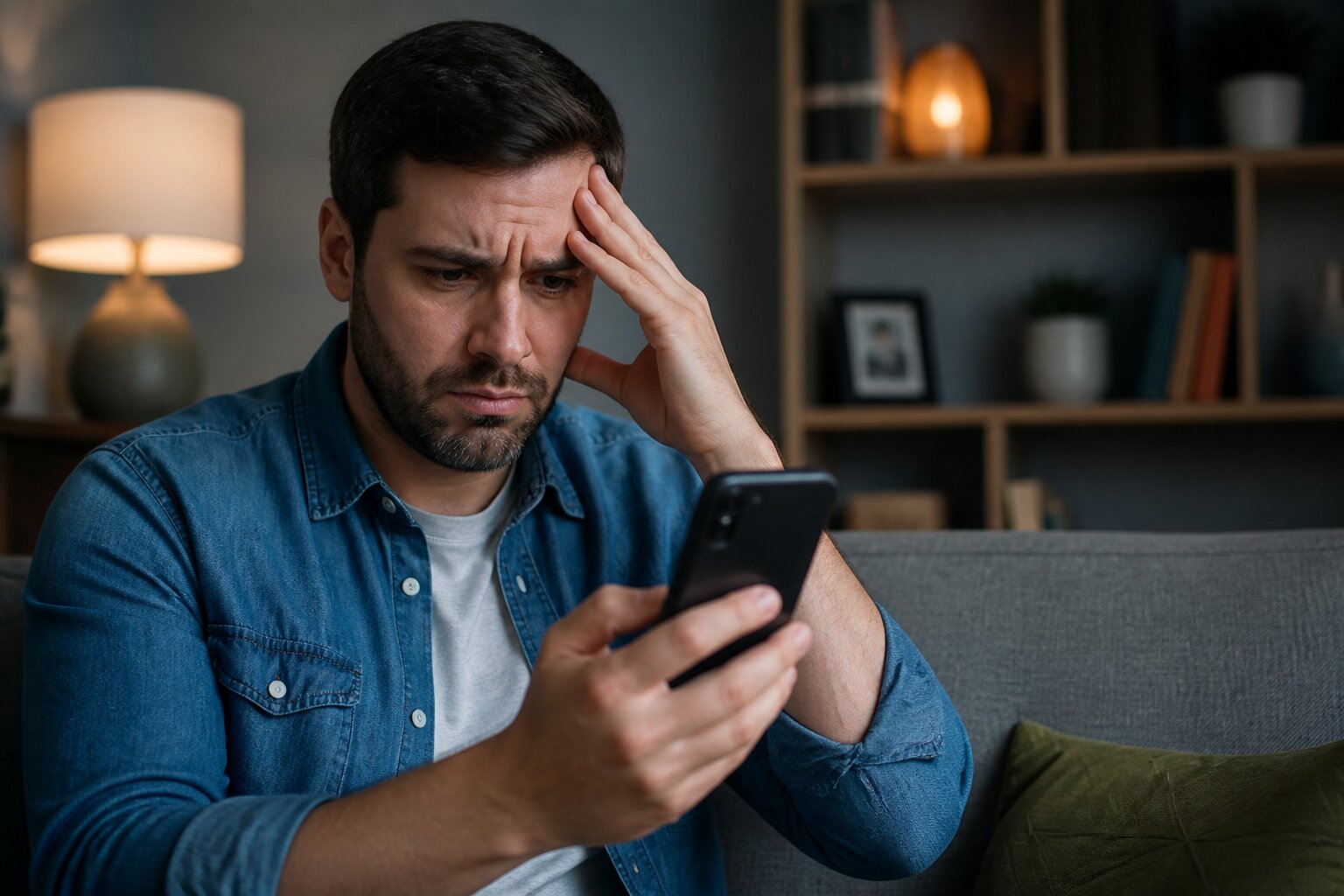
It’s frustrating when you’re ready to buy a ticket and the app won’t cooperate. Whether it’s an error when adding funds or a “temporarily unavailable” message, these interruptions can spoil the moment.
Many problems are temporary and solvable. Read on to learn the most common causes, what the messages mean, and practical steps to get back to playing securely and within the rules.
Common Reasons Your Lottery App Is Not Working
There are several common causes for an app to stop behaving as expected. Routine maintenance and software updates are frequent culprits, as providers regularly refresh security measures and add features. High demand, such as during a large jackpot draw, can also overload systems and slow or block access.
Local factors matter too. Weak Wi‑Fi, patchy mobile data, or device issues like low storage can prevent the app from loading or processing requests. An outdated app version or operating system often causes compatibility problems, so keeping software current helps avoid this.
Payment interruptions by banks or third-party providers can stop deposits from completing. Likewise, identity or age verification checks may temporarily restrict certain actions until documentation is confirmed. These checks are in place to meet legal requirements and protect player accounts. Next, we’ll look specifically at why deposits sometimes fail and what the app is trying to tell you when that happens.
Why Can't I Add Funds to My Lottery App?
Several legitimate reasons can prevent you from adding funds. Verification processes for identity and age may still be in progress, and until they are finished some payment options can be blocked. Limits on deposits, whether set by you or applied for protection reasons, will also stop further payments once reached.
Bank or payment provider checks, expired cards, or mismatched account details are common technical reasons for rejection. Attempts to use restricted methods, such as credit cards where not permitted, will be declined. Ensuring payment methods are registered in your name and match your account details reduces the chance of failure.
These safeguards also support player protection requirements. If deposits are unavailable, checking verification status and your account limits is a sensible next step before exploring device or network fixes.
Troubleshooting Temporary Unavailability Issues
Temporary unavailability is often a sign of planned updates, but it can also reflect sudden capacity problems. These interruptions are intended to keep the platform secure and functioning correctly for everyone. They rarely indicate a problem with an individual account, and most are resolved quickly as engineers complete their work or services stabilise.
If you see a message about temporary unavailability, it is usually best to wait a short while before taking further action. Repeated attempts in a short period can sometimes slow down recovery for everyone, so give the system a few minutes and then try again.
App Maintenance or Outages
Planned maintenance improves security and compliance; unplanned outages can follow from unexpected faults or heavy traffic. During these periods, access may be limited, and features may behave unpredictably. Providers usually publish notices when maintenance is expected, and updates on outages are often posted on the operator’s help pages.
If you are uncertain whether an issue is maintenance or an outage, check the provider’s status page or official social channels for an update. These sources will typically indicate expected completion times and provide guidance on what actions, if any, users should take.
Poor Internet Connection
A shaky internet connection will make the app struggle to fetch data or confirm transactions. This affects both Wi‑Fi and mobile data and can be worse in areas of poor coverage or during peak network use. Checking connection strength or switching networks can sometimes restore normal service.
Try simple troubleshooting on your device such as toggling airplane mode, restarting the app, or restarting the device, which can resolve transient connection issues. If problems persist, testing the app on a different network or contacting your internet provider can help identify whether the issue is local or more widespread.
If an outage persists beyond the likely maintenance window or a network switch does not help, further steps on your device and account settings may be required. In that case, consult the operator’s help pages for specific troubleshooting steps or contact their support team for assistance.
Device and Account Compatibility
Device compatibility is important for app performance. Some lottery apps require recent versions of Android or iOS, and older devices may not support the latest app features. Low storage can prevent updates or disrupt operation, and certain permissions may be necessary for full functionality.
Account accuracy matters as much as device readiness. Incomplete or mismatched personal details can trigger access restrictions or cause payments to be rejected. Ensuring names, addresses and dates of birth match official documents reduces friction during verification checks.
Keeping both device software and account information current helps avoid many avoidable problems and contributes to a secure experience. If everything looks correct but issues remain, reviewing payment methods is the next logical step.
Payment Methods That May Cause Problems
Some payment methods are restricted by regulation. For instance, credit cards are not allowed for gambling transactions in the UK, so attempting to use them will result in a declined payment. Digital wallets linked to credit facilities can also pose the same issue.
Payments should originate from an account in your name. Third‑party accounts or business cards are typically blocked to prevent misuse. Expired cards or outdated details are routine causes of failure too.
Choosing an approved, personal payment method that matches your verified account information minimises the likelihood of rejected transactions and supports the wider safeguards that protect player funds and data. If a method still fails, the next section explains practical checks to resolve app errors quickly.
How to Fix Lottery App Errors Quickly
Basic checks clear up many problems. Close and reopen the app, confirm there are no pending app or device updates, and ensure a stable internet connection. Restarting the device can clear transient faults and free memory.
Review account messages for outstanding verification steps or imposed limits, and make sure payment details are correct and in your name. If a payment fails, contacting your bank or provider can reveal whether a security block or other restriction applied.
If these attempts do not solve the issue, consult the app’s official help pages for outage notices. Persistent errors that affect access or funds should be raised with customer support so they can check logs and account status.
When to Contact Customer Support
Reach out to support when troubleshooting steps do not restore normal service, especially for problems involving account access, unexplained payment declines, or verification blocks. Support teams can check account flags, verification progress, and any messages that might not be visible in the app.
Use the official contact channels provided within the app or on the operator’s website for secure assistance. Staff will follow established safeguarding procedures and treat account concerns confidentially, guiding you through any necessary checks or next steps.
If you are unsure whether an issue is a local device fault or something affecting many users, support can confirm whether an outage or maintenance is in progress and advise on expected timings for a fix.
Staying Safe: Avoiding Scams and Unofficial Apps
Only download the official app from recognised stores or the operator’s website to keep personal and financial information secure. Unofficial apps and unauthorised sites can be used to harvest credentials or commit fraud.
Never share full passwords or security codes. Authentic customer support will never ask for complete login details outside secure, verified channels. Be cautious of offers or links that encourage logging in via unfamiliar pages; these are common methods used in scams.
Protecting your account and device helps safeguard funds and personal data. If you suspect fraudulent activity, report it promptly through official support channels so the matter can be investigated without delay.
Why does the app sometimes say “temporarily unavailable”?
This message typically indicates maintenance, updates or unusually high demand. These interruptions are temporary and help preserve the app’s security and fairness. If a message persists longer than expected, checking support notices will clarify whether the issue is widespread or account specific.
What if my payment is declined?
Declines can stem from verification not being complete, deposit limits, payment provider restrictions, or unsupported methods being used. Ensuring payment details are current and match your verified account reduces the chance of rejection. Contacting your bank can also reveal any holds or security flags they have applied.
Is it safe to update my personal details in the app?
Updating personal details through the official app is safe and sometimes necessary for verification. Confirm you are using the genuine app from a trusted source before entering sensitive information.
Can I still buy tickets if I set limits or use affordability tools?
If limits or affordability checks are in place, they may restrict deposits or purchases until the set conditions are met or reviewed. These measures are intended to manage spending and must be respected.
A clear understanding of these points will help you resolve most issues and keep your account secure, so you can return to using the app with confidence.
**The information provided in this blog is intended for educational purposes and should not be construed as betting advice or a guarantee of success. Always gamble responsibly.